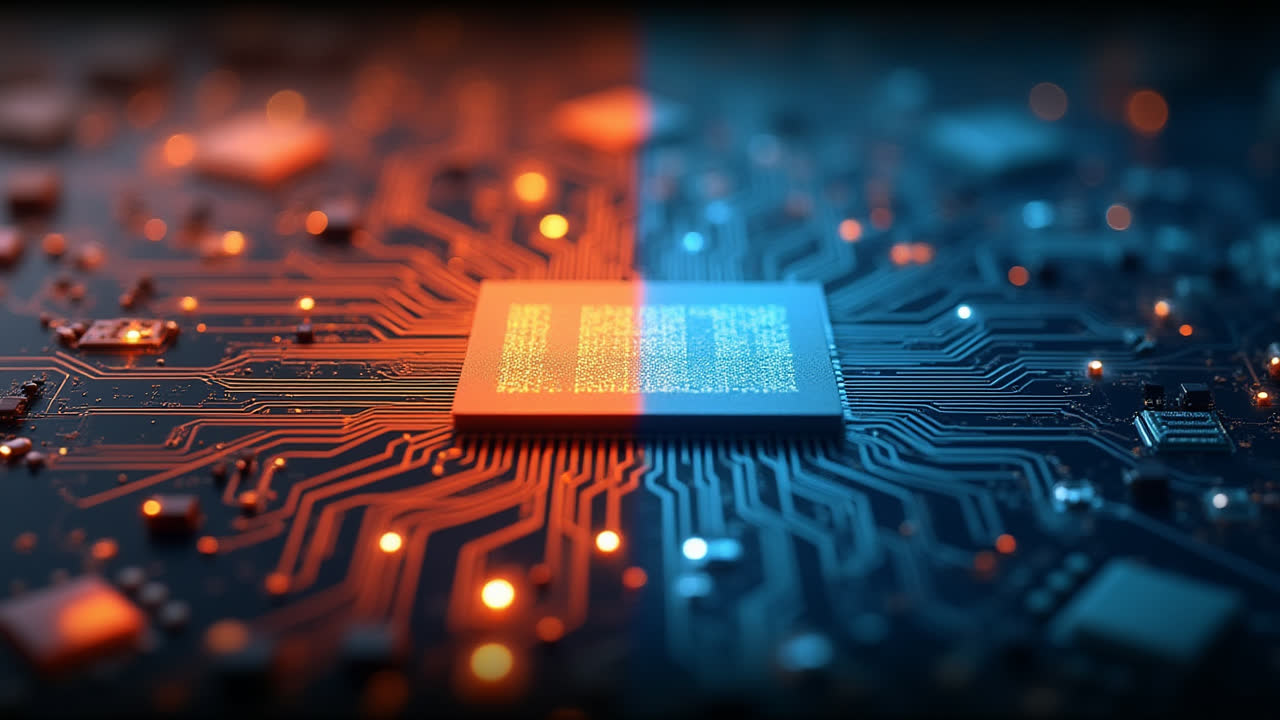
Motherboard vs Processor: Essential Differences You Need to Know
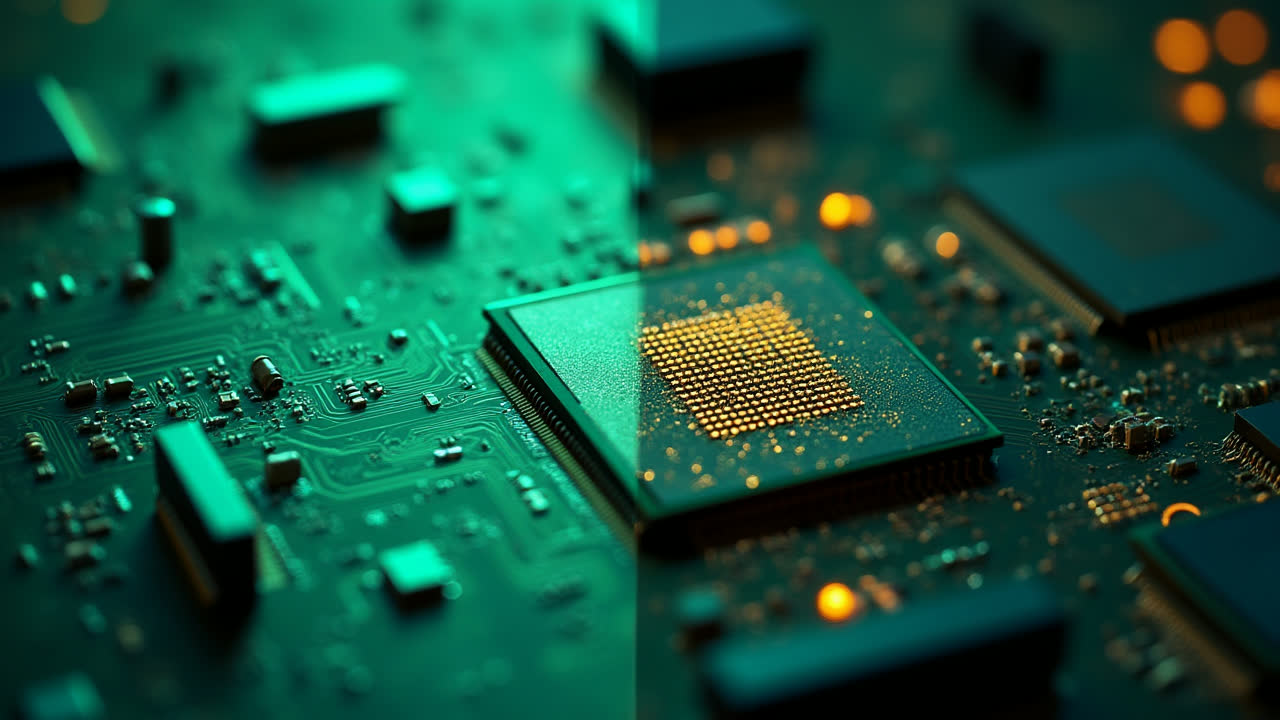
When building or upgrading a computer, understanding the difference between motherboard and processor is crucial for making informed decisions. These two components serve as the backbone of your computer system, each playing a distinct yet complementary role. Have you ever wondered what makes them different and how they work together? Let's dive into these essential hardware components.
The motherboard acts as the central communication hub of your computer, connecting all components and allowing them to work together seamlessly. Meanwhile, the processor (or CPU) serves as the brain, executing instructions and performing calculations that drive all computing tasks. I've seen many newcomers to PC building confuse these components or underestimate their unique importance in the overall system architecture.
Understanding the core differences between these components will not only help you make better purchasing decisions but also give you insight into how your computer actually works. Whether you're troubleshooting issues, planning an upgrade, or simply satisfying your curiosity about computer hardware, this guide will provide you with the essential knowledge.
What is a Motherboard?
A motherboard is the main printed circuit board (PCB) in your computer, also known as the mainboard, logic board, or system board. It serves as the foundation that holds and connects all the other components together. Think of it as the central nervous system of your computer, providing pathways for components to communicate with each other.
The primary function of a motherboard is to establish connections between the various hardware components. It contains slots, sockets, and ports that allow you to install the processor, memory modules, graphics cards, storage devices, and other peripherals. Without a properly functioning motherboard, these components would have no way to interact with each other.
Modern motherboards contain various integrated components such as chipsets, memory controllers, and interface cards (sound cards, video cards, network cards). These integrated elements have significantly reduced the need for additional expansion cards, making computer systems more compact and efficient. I remember when you needed separate cards for almost everything - now most motherboards come with these features built right in!
Additionally, motherboards contain nonvolatile memory chips like BIOS (Basic Input/Output System) or UEFI (Unified Extensible Firmware Interface) that initialize the system during startup. These firmware components are crucial as they perform the power-on self-test (POST) and boot sequence, allowing your operating system to load properly. The BIOS/UEFI also stores configuration settings that determine how your computer behaves at a fundamental level.
Beyond personal computers, motherboards are essential components in many electronic devices we use daily. You'll find specialized motherboards in embedded systems like printers, washing machines, televisions, and countless other smart devices. The versatility of motherboard designs allows them to be adapted for specific purposes while maintaining their core functionality of connecting and facilitating communication between components.
What is a Processor?
The processor, commonly called the Central Processing Unit (CPU), is often described as the brain of the computer - and for good reason. This small but mighty component executes instructions from computer programs by performing the basic arithmetic, logical, control, and input/output operations specified by the instructions. In essence, the processor is what makes your computer "think."
A processor consists of two primary subsystems: the Arithmetic and Logical Unit (ALU) and the Control Unit (CU). The ALU performs mathematical calculations and logical operations, while the Control Unit manages the execution of instructions by coordinating the activities of other components. Together, these subsystems enable the processor to handle everything from simple calculations to complex data processing tasks.
Inside the processor, you'll find fast memory locations called registers that temporarily store data being processed. These registers help transfer data between different units as instructed by the CPU, significantly enhancing processing speed by reducing the need to access slower main memory for every operation. I've always found it fascinating how these tiny storage areas can make such a big difference in performance!
Modern processors contain multiple cores, essentially meaning they have multiple processing units within a single chip. A single-core processor (uniprocessor) can execute one instruction at a time, while multi-core processors can handle multiple instructions simultaneously. Dual-core processors have two cores, quad-core processors have four cores, and high-end processors now commonly feature 8, 12, 16, or even more cores. This parallel processing capability has revolutionized computing by allowing for significantly improved multitasking and performance for demanding applications.
Processors vary greatly in performance capabilities, power consumption, and intended use cases. From energy-efficient mobile processors designed for laptops and smartphones to high-performance desktop processors built for gaming and content creation, the processor market offers options for virtually every computing need. The continual advancement of processor technology has been one of the primary drivers of computing evolution, with performance roughly doubling every couple of years for decades.
The Relationship Between Motherboard and Processor
The relationship between the motherboard and processor is symbiotic - neither can function without the other. The motherboard provides the physical connection point for the processor through a specialized socket designed for specific processor families. This socket not only holds the processor in place but also establishes the electrical connections necessary for data transfer and power delivery.
When a processor executes instructions, it sends signals to other components through the motherboard's circuitry. The motherboard acts as the communication highway, ensuring that data reaches its intended destination, whether that's RAM for temporary storage, the graphics card for display processing, or storage devices for saving information. Without this intricate network of connections, the processor would be unable to interact with any other part of the system.
Compatibility between motherboard and processor is absolutely critical. Different processor manufacturers (like Intel and AMD) use different socket types, and even within a manufacturer's lineup, socket designs change between generations. When building or upgrading a computer, ensuring that your chosen motherboard supports your processor is the first and most important consideration. I learned this lesson the hard way when I once purchased a new processor only to discover it wasn't compatible with my existing motherboard!
The motherboard's chipset also plays a crucial role in determining what features will be available to the processor. The chipset is a set of electronic components that manage data flow between the processor, RAM, and peripherals. It determines what types of RAM are supported, how many USB ports are available, what storage interfaces can be used, and many other system capabilities. A more advanced chipset generally allows the processor to take advantage of more features and achieve better performance.
Power delivery is another critical aspect of the motherboard-processor relationship. Modern processors require substantial power to operate, especially under heavy loads. The motherboard's voltage regulator module (VRM) ensures that the processor receives the correct amount of clean, stable power. Higher-end motherboards typically feature more robust VRM designs, which can be particularly important for overclocking or running high-performance processors.
Detailed Comparison: Motherboard vs Processor
Understanding the specific differences between motherboards and processors helps clarify their unique roles in a computer system. Let's explore these differences across multiple dimensions to get a comprehensive picture.
| Aspect | Motherboard | Processor (CPU) |
|---|---|---|
| Primary Function | Connects all computer components and facilitates communication between them | Executes instructions and performs calculations to run programs |
| Role in Computer | Acts as the central communication hub and foundation | Serves as the "brain" that processes data and instructions |
| Components | Circuit boards, chipsets, sockets, slots, ports, BIOS/UEFI | ALU, Control Unit, registers, cores, cache memory |
| Performance Impact | Indirect - affects system stability, expandability, and component compatibility | Direct - determines processing speed and computational capabilities |
| Upgrade Frequency | Less frequent - typically replaced when changing processor generations | More frequent - often upgraded to improve system performance |
| Price Range | $50-$500+ depending on features, quality, and compatibility | $50-$1000+ depending on performance, core count, and generation |
| Lifespan | 5-7 years average before technological obsolescence | 3-5 years average before significant performance limitations |
| Heat Generation | Minimal - mainly from chipset and VRMs | Substantial - requires dedicated cooling solutions |
Choosing the Right Motherboard and Processor
Selecting the appropriate motherboard and processor combination is crucial for building a computer system that meets your needs. Your choices should be guided by several key factors including intended use, budget constraints, and future upgrade plans. Let me share some insights from my experience in building numerous computer systems over the years.
For the processor selection, start by determining your performance requirements. Are you building a system for basic tasks like web browsing and document editing? A mid-range processor with 4-6 cores should be sufficient. For gaming or content creation, consider higher-end processors with more cores and threads. The processor is often the component that most directly impacts your system's performance, so it's worth investing in the best CPU your budget allows.
When selecting a motherboard, compatibility with your chosen processor is the first priority. Beyond that, consider what features you need. Do you require multiple PCIe slots for expansion cards? How many USB ports do you need? Will you be using multiple storage drives? Higher-end motherboards offer more robust power delivery, better cooling, and additional features like built-in Wi-Fi, Bluetooth, and enhanced audio. However, there's no need to pay for features you'll never use.
Future-proofing is another important consideration. While no computer component stays cutting-edge forever, choosing a newer generation processor and a motherboard with some headroom for upgrades can extend your system's useful life. For instance, selecting a motherboard with four RAM slots instead of two gives you the option to add more memory later without replacing what you already have. Similarly, choosing a motherboard with the latest connectivity standards ensures compatibility with newer peripherals.
Budget allocation between these components requires careful thought. As a general rule, for a balanced system, the processor typically accounts for 15-25% of the total build cost, while the motherboard might represent 10-15%. However, these percentages can vary based on specific needs. For a high-performance gaming system, you might allocate more to the processor, while a workstation might benefit from investing in a more feature-rich motherboard with better expansion options.
Frequently Asked Questions
Can I upgrade my processor without changing the motherboard?
You can upgrade your processor without changing your motherboard only if the new processor is compatible with your existing motherboard's socket and chipset. Most motherboards support a limited range of processor generations. For example, if you have an Intel LGA 1200 socket motherboard, you can typically use 10th or 11th generation Intel processors, but not older or newer generations. Always check your motherboard manufacturer's specifications for a list of supported processors before upgrading.
Which is more important to upgrade first: motherboard or processor?
This depends on your current system limitations and goals. If your processor is significantly outdated and bottlenecking your system performance, upgrading it should be the priority. However, since processor upgrades often necessitate motherboard changes due to socket compatibility, you'll frequently need to upgrade both simultaneously. If your processor is still performing adequately but you need more connectivity options, better power delivery, or newer features like PCIe 4.0, upgrading just the motherboard might make sense if it supports your existing processor.
How does the motherboard affect overall computer performance?
While the motherboard doesn't directly process data like the CPU does, it can significantly influence system performance in several ways. A quality motherboard with robust power delivery can enable better processor performance, especially during sustained heavy loads or when overclocking. The motherboard's memory support (number of slots, maximum capacity, and supported speeds) affects RAM performance. Additionally, the motherboard determines what expansion cards you can use and what storage interfaces are available, potentially limiting or enhancing I/O speeds. Finally, the chipset features can impact everything from USB transfer rates to network capabilities.
Conclusion
The difference between motherboard and processor lies in their fundamental roles: the motherboard serves as the communication platform that connects all computer components, while the processor functions as the computational engine that executes instructions and processes data. Each component is essential in its own right, and together they form the core of any computer system.
Understanding these components not only helps when building or upgrading a computer but also provides insight into how computers work on a fundamental level. The motherboard, with its intricate network of pathways and connectors, enables the processor to communicate with memory, storage, and other peripherals. Meanwhile, the processor's computational power determines how quickly and efficiently your system can perform tasks.
As technology continues to evolve, both motherboards and processors are becoming increasingly sophisticated. From multi-core processors capable of handling complex parallel tasks to motherboards supporting the latest connectivity standards and expansion options, these components continue to drive advancements in computing. Whether you're a casual computer user, a gaming enthusiast, or an IT professional, appreciating the distinct yet complementary roles of the motherboard and processor provides a foundation for making informed decisions about computer hardware.